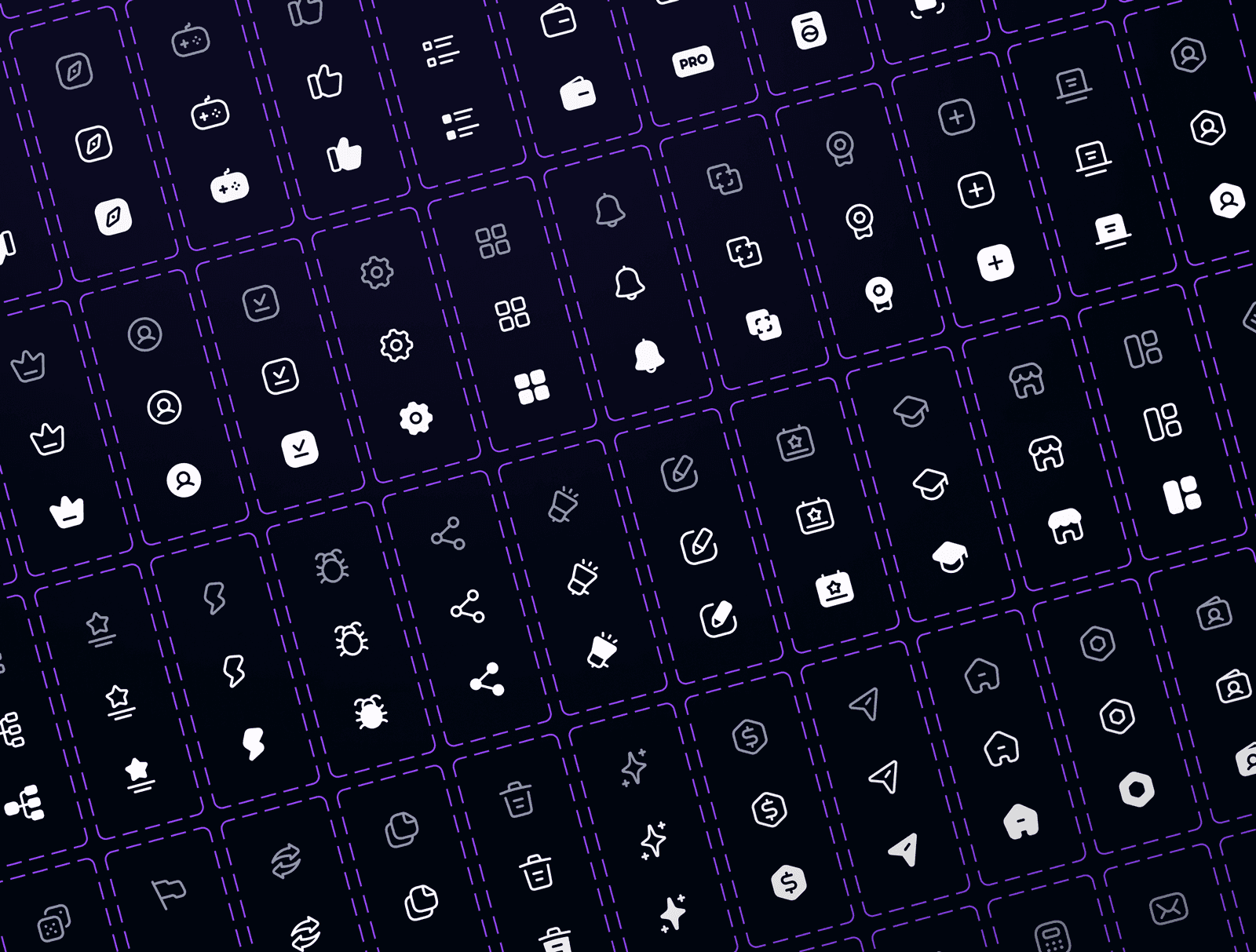
Icon System @DappRadar
Custom iconography for the DappRadar ecosystem
As DappRadar expanded across analytics, rankings, research, and developer tools, the UI required a consistent and scalable icon language that could work across very different product surfaces.
The goal was to replace fragmented icon usage with a single, coherent system.
Categories
Icons
Design System
Date
Jan 1, 2024
Company
DappRadar
System Design
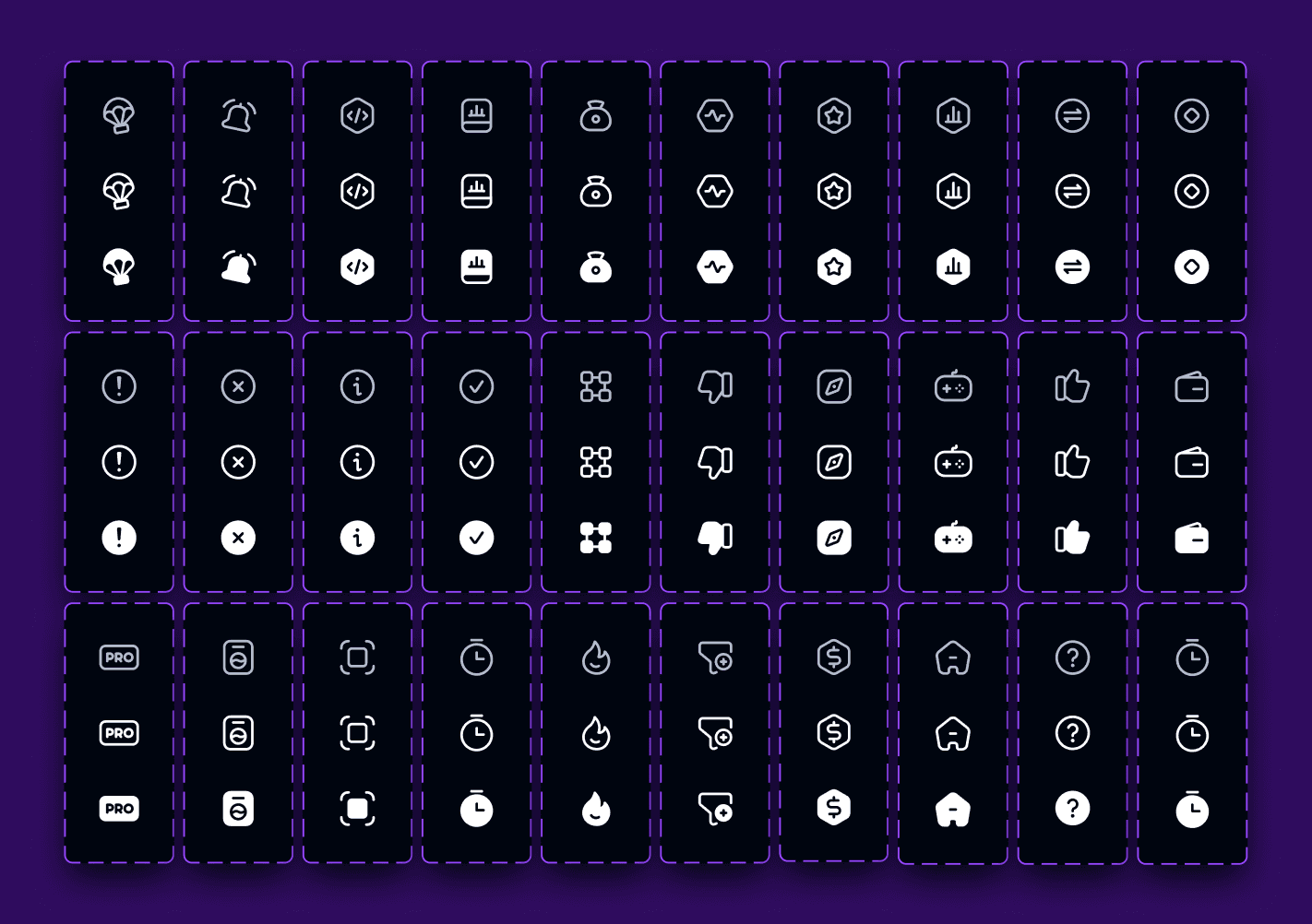
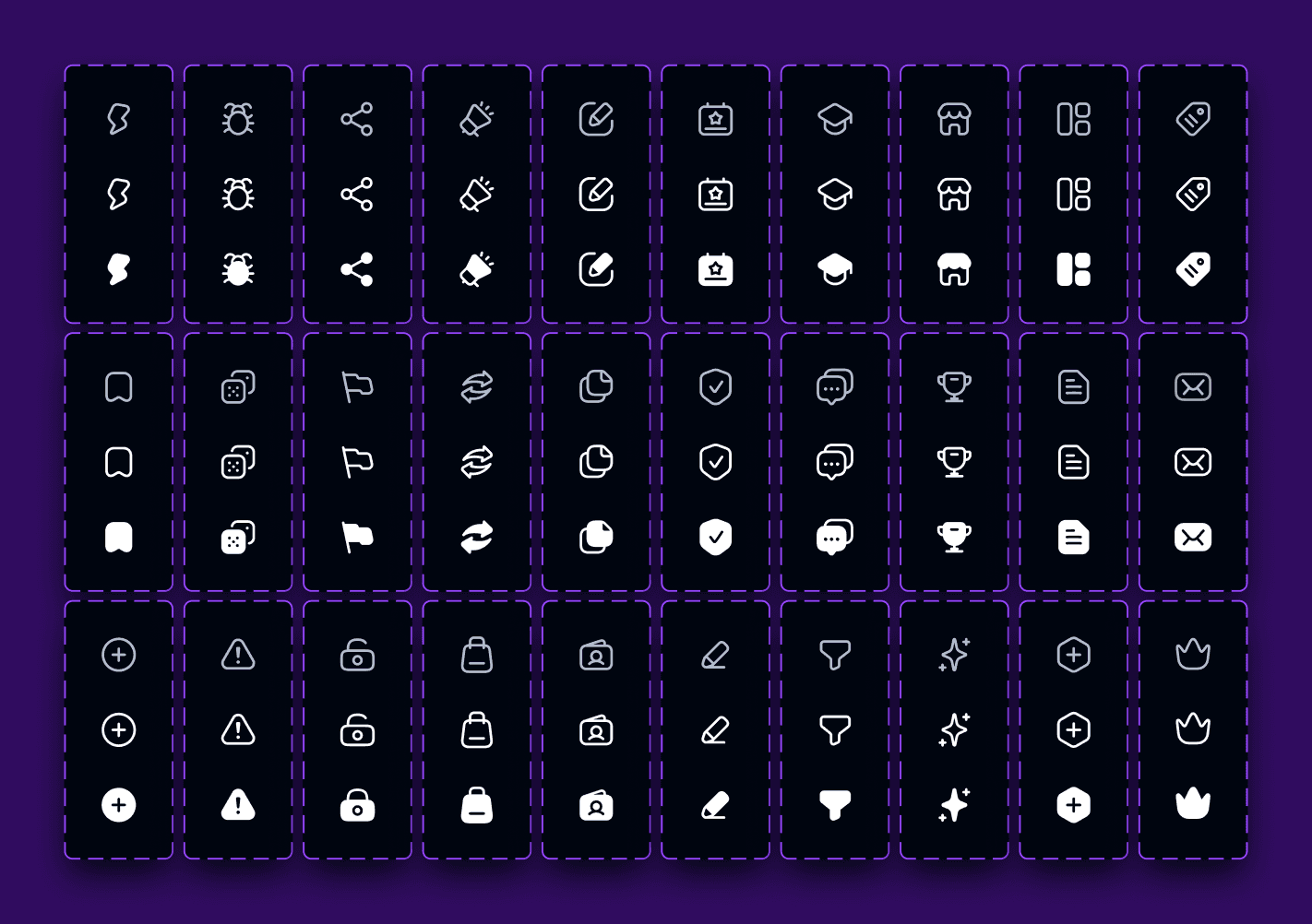
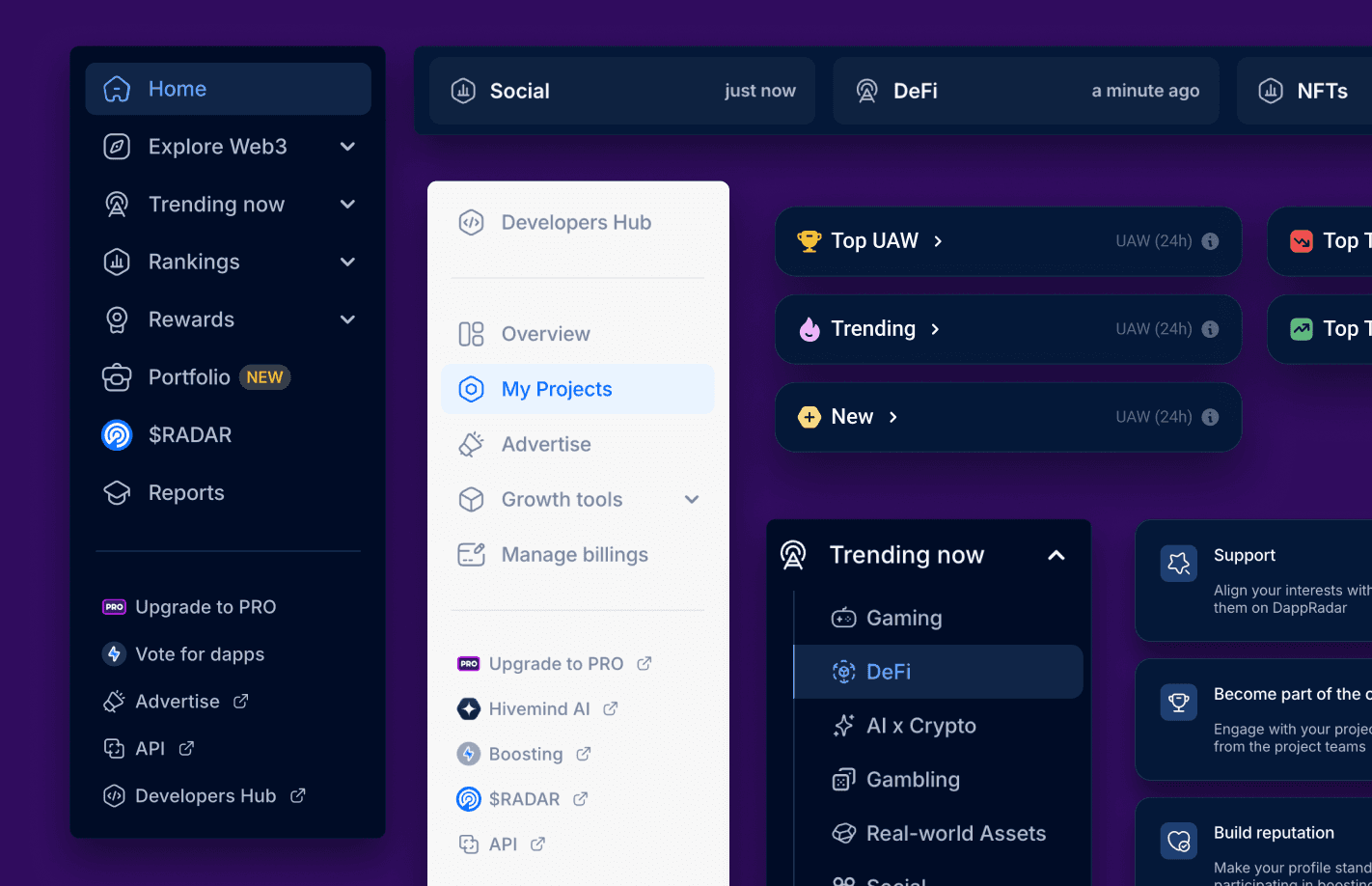
The icon set was built on a strict 24px grid with a consistent 1.5px stroke and rounded geometry.
This ensured visual consistency, predictable scaling, and clear readability in both dense data views and navigation elements.
Variants & States
Core icons were designed with optional fill variants to support default, selected, and active states.
This allowed the UI to communicate hierarchy and interaction without much visual noise.
Product Integration
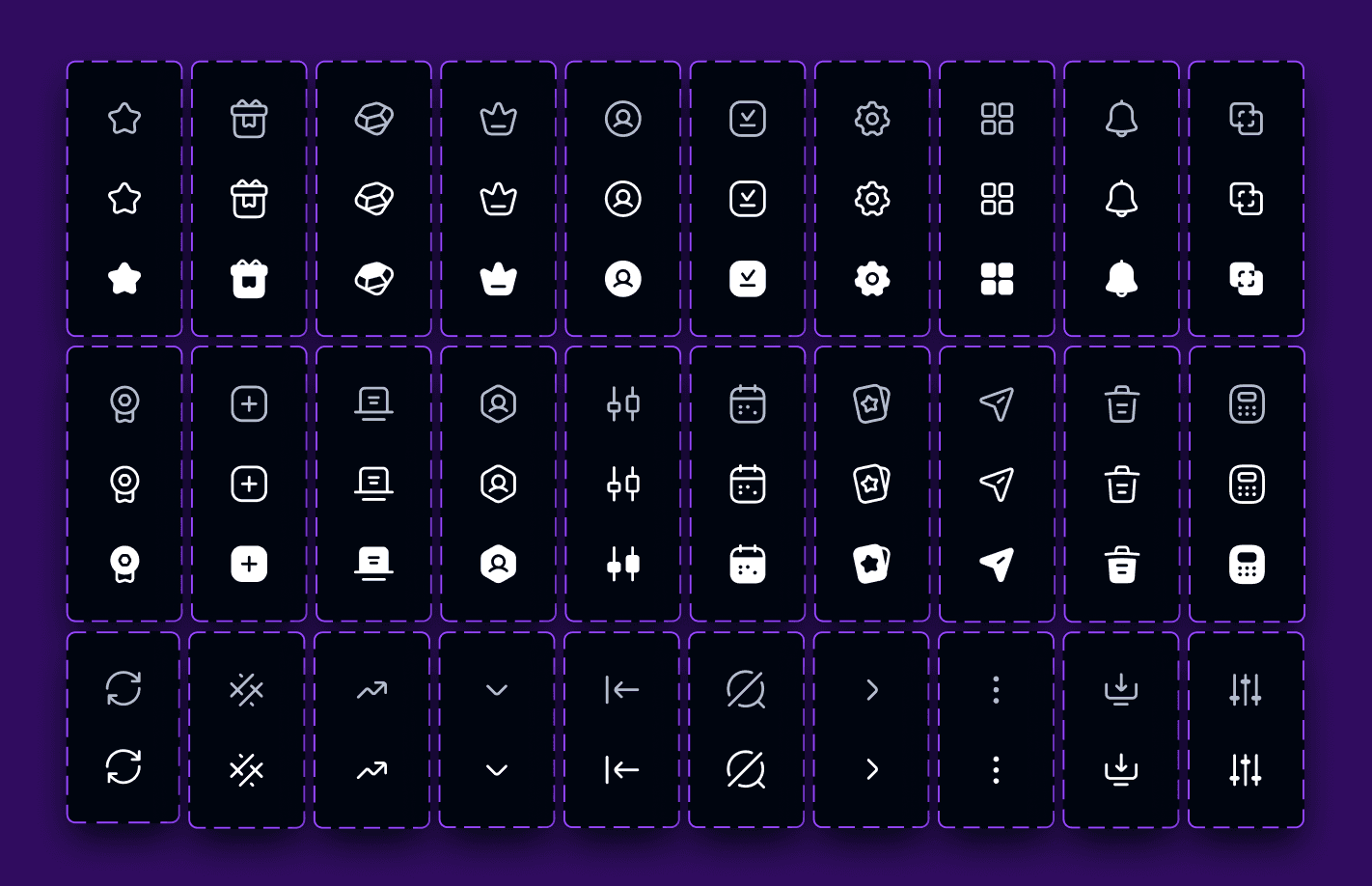
The system is used across dashboards, side navigation, filters, tables, and product components.
Icons act as functional UI elements — helping users scan interfaces faster and understand structure in data-heavy layouts.
Outcome
The icon system reduced visual inconsistency, sped up UI design iterations, and provided a solid foundation for scaling new features without redesigning iconography from scratch.
Icon System @DappRadar
Custom iconography for the DappRadar ecosystem
As DappRadar expanded across analytics, rankings, research, and developer tools, the UI required a consistent and scalable icon language that could work across very different product surfaces.
The goal was to replace fragmented icon usage with a single, coherent system.
Categories
Icons
Design System
Date
Jan 1, 2024
Company
DappRadar
System Design
The icon set was built on a strict 24px grid with a consistent 1.5px stroke and rounded geometry.
This ensured visual consistency, predictable scaling, and clear readability in both dense data views and navigation elements.
Variants & States
Core icons were designed with optional fill variants to support default, selected, and active states.
This allowed the UI to communicate hierarchy and interaction without much visual noise.
Product Integration
The system is used across dashboards, side navigation, filters, tables, and product components.
Icons act as functional UI elements — helping users scan interfaces faster and understand structure in data-heavy layouts.
Outcome
The icon system reduced visual inconsistency, sped up UI design iterations, and provided a solid foundation for scaling new features without redesigning iconography from scratch.
More works


Let’s connect and
discuss your project
© 2026 All right reserved
Let’s connect and
discuss your project
© 2026 All right reserved
Let’s connect and
discuss your project
© 2026 All right reserved